The same details, typed twice
An order comes in by email and someone types it into the shop, the invoice program and the stock sheet, one after another.


Business Process Automation
We automate the repetitive work between your programs, then run, monitor and secure it for you.

How it is priced A written offer per process
Where it runs Our European servers
What you keep The code and every account
Building software since 2014
You do not need to know how it works. Only which jobs you are tired of.
The copying, typing and chasing your team does every week.
Using the programs you already have. Nothing new to learn.
And we watch them every day, so you do not have to.
This is what workflow automation looks like in practice. Nobody types anything, and a person only steps in when something is unusual.
From your shop, an email or a form. It is read the moment it lands.
With the right customer, items and prices, straight into your invoicing program.
In the shop and the warehouse sheet at the same time, so they never disagree.
A confirmation goes out, and your team sees the order already done.
Want this for your own orders? Tell us how one job runs today.
Most small businesses do not have a people problem. They have a copying problem: the same details typed again into each program, by people who were hired to do something else.
An order comes in by email and someone types it into the shop, the invoice program and the stock sheet, one after another.
A discount, a purchase or a holiday request sits until somebody notices it, and the customer or colleague waits with it.
Someone spends Friday afternoon copying numbers into a spreadsheet that nobody fully trusts on Monday.
Unpaid invoices, renewals and follow-ups depend on someone remembering, and on a busy week nobody does.
Recognise your business in that list?
Tell us which job eats the most time. We reply with what automating it would involve, or start with the free Automation Audit if you are not sure which job it is.
The same week, with the jobs nobody enjoys taken off your desk.
Copy the weekend's orders into the books
Now done by itself
Make invoices for last week's jobs
Now done by itself
Phone customers about tomorrow's appointments
Now done by itself
Chase the invoices nobody has paid
Now done by itself
Put the weekly report together by hand
Now done by itself
A business process is any job your team repeats the same way: taking an order, sending an invoice, booking an appointment, onboarding a new customer. Business process automation means the computer does the copying and the passing along between your programs, and people only step in where a decision is needed.
Nothing about how you work has to change. Your team keeps the programs they know. What disappears is the part in between, where a person reads a number in one window and types it into another. The programs talk to each other through their APIs, the secure doors software provides for exactly this.
It is not a robot taking over your office, and it is not a big digital transformation project. It is one repeated job at a time, made to run on its own, checked, and then looked after.
A patient books online. Today the receptionist copies the booking into the calendar, the patient file and, after the visit, the invoice. Automated, the booking lands in all three on its own, the reminder goes out the day before, and the receptionist spends that time with the patient at the desk.
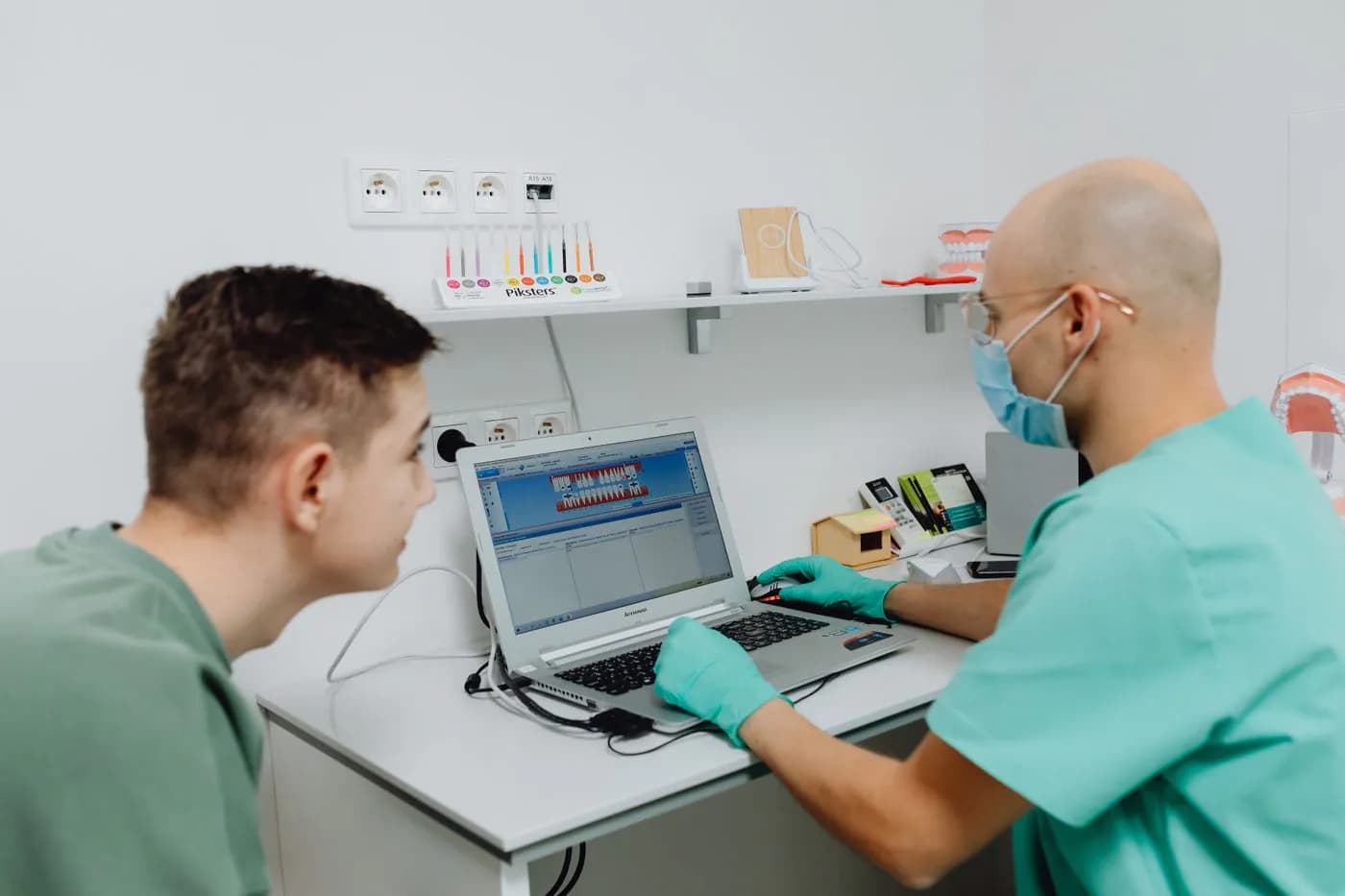
A few of the jobs we hand over most often. If your team does it the same way every time, a computer can do it.
Made and sent the moment a job is finished.
Done by itselfAppointments, renewals and documents, on time.
Done by itselfFrom email or your shop into your books.
Done by itselfReady in your inbox every Monday morning.
Done by itselfInto your calendar, with a confirmation sent.
Done by itselfPolite reminders until the invoice is paid.
Done by itselfCounts kept right when something sells.
Done by itselfFrom your website form straight into your list.
Done by itselfStart with the free Automation Audit: half a day with your team, then a written list of what is worth it.
Most automations start with a connection: shop, accounting and customer list kept in step on their own.
A European company with a decade of building and running software for businesses. How we work.
The software, the cloud it runs on and its security, from the same people. Nothing falls between two suppliers.
The person on your first call is the person who does the work. No account managers, no handoffs.
Your data stays on European infrastructure we operate ourselves.
Not every job should be automated. A good candidate usually shows at least two of the signs on the left. If you are not sure, the free Automation Audit checks it for you.
A good fit
Ticked two or more on the left? Then it is worth a conversation.
The same order, followed from the email to the customer's confirmation. Switch between the two to see which steps disappear.
Put in your own numbers. It takes ten seconds.
Time spent on copying, typing and chasing
Move the sliders to your own figures. Nothing is sent anywhere.
Every year, that is
520 hours
about 65 full working days
How much of that could a computer do? Tell us, and we answer in writing.
Each has its place. We choose what fits your process and your budget, and you never have to learn the difference. Whatever we use, the accounts and the code are in your name.
| What decides it | Our own code | Make | n8n | Zapier |
|---|---|---|---|---|
| Best for | Jobs that matter most, carry a lot of data or must grow with you | Linking popular programs quickly, with visual, readable steps | Larger flows that should run on European servers we control | Simple, steady jobs between common online tools |
| Where it runs | On our European infrastructure | On the platform's cloud | On our European infrastructure | On the platform's cloud |
| Who owns it | You: the code is yours | You: the account is in your name | You: the setup and data are yours | You: the account is in your name |
| Running cost | Hosting only, no per-task fees | A monthly plan that grows with use | Hosting only, no per-task fees | A monthly plan that grows with use |
| Grows with you | Without limits | Well, up to high volumes | Very well | Best kept for lighter jobs |
Not sure which tool fits? The choice comes with your written offer.
Free Automation Audit
Half a day online with your team, then a written list of what is worth automating, what each fix saves and what it costs.

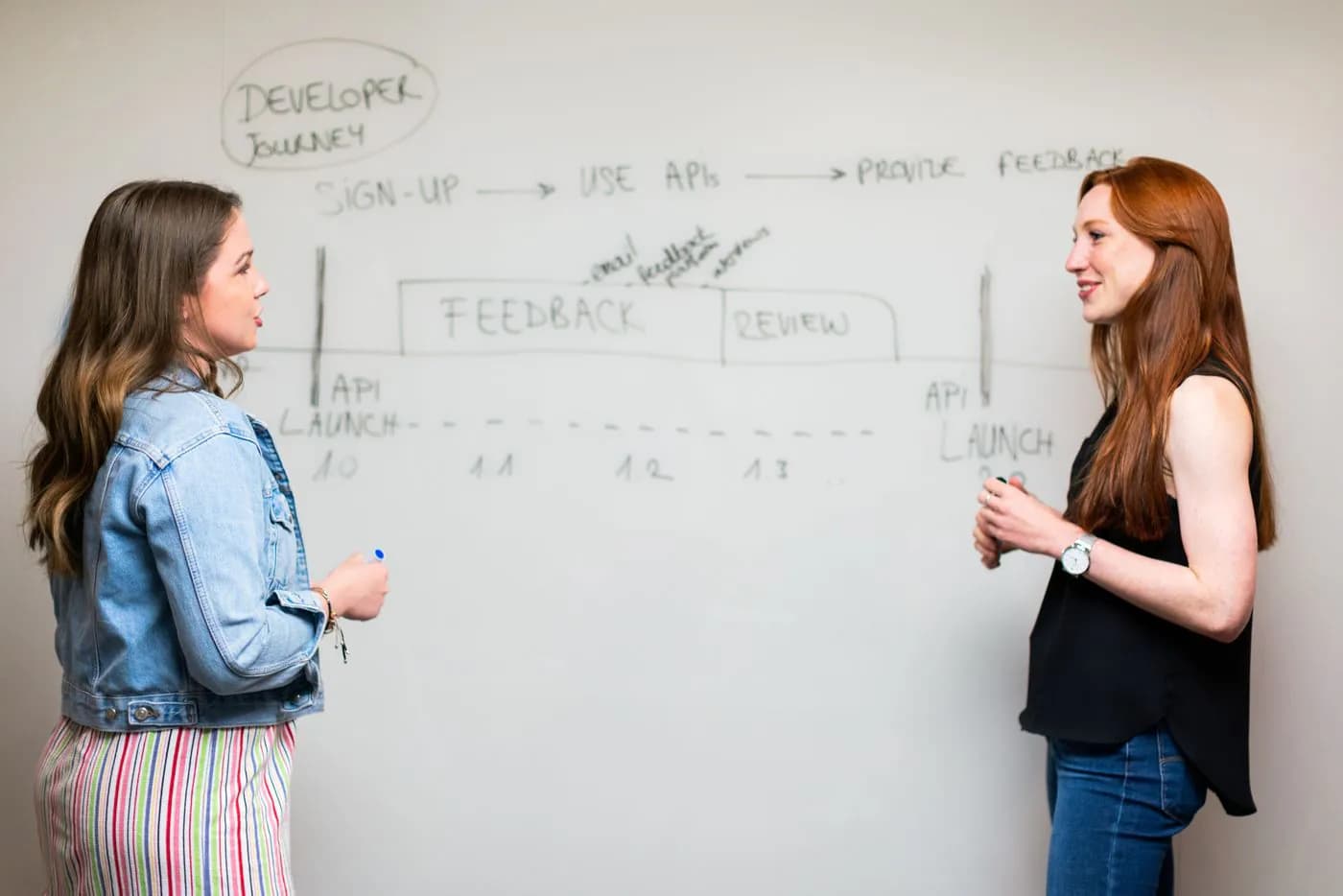
One process at a time, each one working and checked before the next begins.
We sit with your team online and follow the real work before anything is quoted. See the Automation Audit.
You receive: A written list of what to automate
One process at a time: what starts it, what it produces, and what happens when something is unusual.
You receive: A clear scope and an offer
Built on copies of your real data, then tried by the people who do the job today, before it touches anything live.
You receive: Your team signs it off
Switched on, watched by us on our cloud, and fixed when one of your programs changes.
You receive: It keeps working after launch
It depends on the job, which is why this page shows no price. You get a written offer for each process after the free audit. These four things decide it.
A job with three steps costs less to automate than one with twelve and several decisions in between.
Each program the job touches needs its own connection. Some are simple, some need system integration work first.
The unusual cases, like a refund or a partial delivery, take most of the thinking. We write them all down.
Our own code has no per-task fees; a platform has a monthly plan. We choose what costs you least over time.
Get a written offer for one process, with the price fixed before work starts.
With us, yes. Work with us and we take care of everything, including top-level security and the infrastructure your automations run on. An automation touches your customers, your invoices and your passwords, so we treat it like the rest of your business.
The logins your automations use are encrypted and never sit in an email or a spreadsheet.
Each automation gets its own account that can do its job and nothing else.
What ran, when, and what it changed, so nothing happens that you cannot look up later.
On every account that touches your automations, ours included.
Your automations run on infrastructure we operate, not on a laptop under someone's desk.
If a step fails, we get an alert and act on it, rather than finding out from your customer.
Settings and history are backed up, so a fault never means starting again.
When one of your programs changes, we adjust the automation so it keeps working.
We build it, run it and keep it secure.
One team for the automation, the servers under it and its security. Or start with the free Automation Audit.
Card payments, payment links and automatic reminders, with every payment recorded in your books.
When no existing program fits the way you work, we build one with Custom Software.
Every industry has its own repeated jobs. Here is the first one we would look at in each.
Your industry is not here? Most repeated jobs look alike. Tell us yours.

Tell us which job is eating the most time. We will tell you honestly whether automating it is worth it.
Contacting us commits you to nothing. This is exactly what happens next.
Or book a call. A few lines about the job that takes too long is enough.
Not a salesperson, and not an automatic email: the person who would do the work.
About how the work runs today and what you want to change. No preparation needed.
What we would build and what it costs, in writing. You decide, with no obligation.
Plain-language guides from our blog, for when you want to read before you talk to anyone.
Every technical word on this page, explained in plain language in our glossary.
The programs we automate between most often, and the infrastructure the automations run on.
Brand names and logos belong to their owners. Showing one means we build with it, not that the brand endorses us.
If yours is not here, ask us directly: an engineer answers, not a salesperson.
Still have a question? An engineer answers it on a short call, not a salesperson.
Pick whichever suits you. Every route reaches the same engineers.
Smaller pieces of the same work with a fixed scope, if you already know exactly what you need.
Tell us how one job runs today. We will show you what it looks like when it runs on its own, and what it would take. Or start with the free audit.