
Hospedagem WordPress gerenciada vs. faça você mesmo: os custos ocultos
Hospedar WordPress por conta própria parece mais barato no papel. Quando você soma os custos reais de tempo, segurança e risco, a hospedagem gerenciada frequentemente vence.
Equipe de Marketing · 15 de fevereiro de 2026
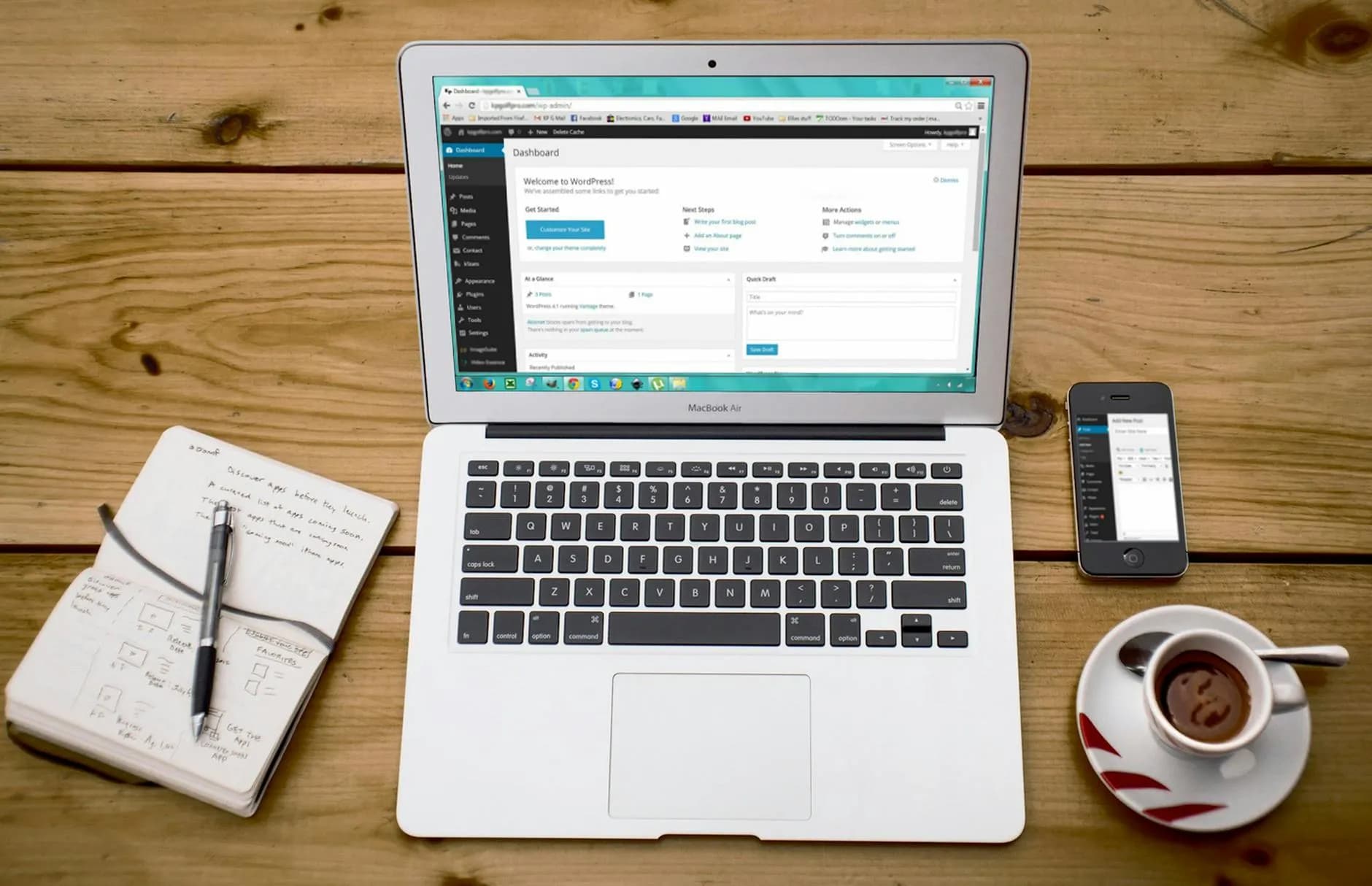
Foto de Pixabay · Pexels
What Managed WordPress Hosting Includes
Managed WordPress hosting is a full-service environment purpose-built for WordPress sites. Unlike generic shared hosting, a managed WordPress plan handles server configuration, WordPress core updates, plugin compatibility checks, daily backups, staging environments, and performance optimization out of the box. The hosting provider assumes operational responsibility so that site owners can focus on content, marketing, and growing their business instead of debugging Apache configs at midnight.
At GRADAX, our managed WordPress plans include server-level caching tuned specifically for WordPress, automatic SSL provisioning, a built-in CDN for static assets, and real-time malware scanning. Clients receive a staging environment where they can test plugin updates and theme changes before pushing to production. We also provide one-click rollback so that any update gone wrong can be reversed in seconds, not hours. These features are not add-ons — they are the baseline.
The key distinction is proactive management. A managed host monitors your site continuously and intervenes before problems become outages. If a plugin update introduces a PHP fatal error, our platform catches it during the staging deployment and blocks the update from reaching production. If traffic spikes beyond normal thresholds, auto-scaling provisions additional resources without manual intervention. This level of automation is what separates managed hosting from simply renting a server and installing WordPress yourself.
The True Cost of DIY Hosting
DIY WordPress hosting looks affordable on paper. A basic VPS from a commodity provider starts at ten to twenty euros per month. WordPress itself is free. A handful of plugins fills in the gaps. The total monthly cost can appear to be a fraction of a managed hosting plan. But this calculation ignores the most expensive resource in any business: time. Setting up a production-grade WordPress environment from scratch takes anywhere from eight to twenty hours, depending on your experience with Linux, Nginx or Apache, MySQL tuning, PHP-FPM configuration, and SSL certificate management.
Ongoing maintenance is where DIY costs compound. WordPress releases security patches roughly every two weeks, and popular plugins update even more frequently. Each update requires testing against your specific configuration. When something breaks, and it will, you are the support team. A corrupted database after a failed update can take hours to diagnose and restore. A server that runs out of disk space because nobody configured log rotation can take your site offline at the worst possible moment. If you value your time at even fifty euros per hour, DIY hosting becomes significantly more expensive than managed hosting within the first quarter.
There is also an opportunity cost that rarely appears in spreadsheets. Every hour spent patching servers, investigating slow queries, or restoring backups is an hour not spent on business development, content creation, or customer acquisition. For freelancers and small agencies, this trade-off is especially sharp. We have onboarded dozens of clients who switched from DIY setups after realizing that they were spending ten to fifteen hours per month on server maintenance, time that could have generated far more revenue if invested elsewhere.
Security Comparison
WordPress powers over 40% of the web, which makes it a prime target for automated attacks. Brute-force login attempts, SQL injection probes, and exploit scans against known plugin vulnerabilities happen around the clock. On a DIY setup, defending against these threats requires configuring a web application firewall, implementing rate limiting, hardening PHP settings, restricting file permissions, and monitoring access logs for suspicious patterns. Most self-hosted WordPress sites skip at least half of these steps, leaving significant attack surface exposed.
Our managed hosting platform applies security at multiple layers. Network-level firewalls block known malicious IP ranges before traffic reaches your server. A web application firewall inspects every HTTP request against a continuously updated rule set that covers the OWASP Top 10 and WordPress-specific exploits. Server-level hardening disables unnecessary PHP functions, restricts file execution in upload directories, and enforces strict permissions. Our website security monitoring detects file changes in real time and alerts our team if any core WordPress file is modified outside of an authorized update cycle.
The difference shows up in incident response time. When a critical WordPress vulnerability is disclosed, managed hosts typically deploy patches within hours. On a DIY setup, you first need to learn about the vulnerability, then assess whether it affects your configuration, then test the patch, and finally deploy it. That window of exposure, often measured in days or weeks for self-hosted sites, is precisely when attackers strike. In 2025, we observed that over 70% of compromised WordPress sites brought to us for remediation were running outdated core versions or plugins with known vulnerabilities that had been patched months earlier.
Performance Comparison
Performance optimization on WordPress requires attention at every layer of the stack. Server-side, this means tuning PHP-FPM worker counts, configuring opcode caching, optimizing MySQL query caching and buffer sizes, enabling HTTP/2 or HTTP/3, and implementing object caching with Redis or Memcached. On the application side, it involves selecting lightweight themes, minimizing plugin count, lazy-loading images, deferring non-critical JavaScript, and configuring page caching. On a DIY setup, each of these optimizations requires research, implementation, and testing.
Managed WordPress hosting handles the server-side optimizations automatically. Our platform pre-configures every environment with Redis object caching, Brotli compression, HTTP/3 support, and a multi-layer caching strategy that serves most requests directly from memory without touching PHP or the database. The result is consistently fast page loads regardless of the client's technical expertise. Our average managed WordPress site achieves a Time to First Byte under 200 milliseconds and scores above 90 on Google PageSpeed Insights without any manual optimization.
We have benchmarked identical WordPress sites running on our managed platform versus typical DIY VPS configurations. The managed environment delivers 3x to 5x faster page load times under normal traffic and maintains stable performance under load. DIY setups without proper caching often see response times degrade from 800 milliseconds to over 4 seconds once concurrent users exceed fifty. For e-commerce sites where every 100-millisecond delay reduces conversion rates by roughly 1%, this performance gap translates directly into lost revenue.
Backup and Recovery
Backups are the safety net that most DIY WordPress administrators install but rarely test. Setting up automated backups on a VPS requires configuring a backup script or plugin, scheduling it via cron, verifying that backups complete without errors, and storing copies in a separate location from the server itself. If backups are stored on the same disk as the site, a disk failure destroys both the production data and the backup simultaneously. If backups are sent to an external service, you need to verify that transfers complete reliably and that backup files are not corrupted.
Our managed WordPress platform takes daily automated backups of the full environment: database, files, configurations, and SSL certificates. Backups are stored in geographically separate data centers with AES-256 encryption at rest. We retain thirty days of daily backups and seven days of hourly backups for sites on our professional plans. Restoration is a one-click operation that typically completes in under three minutes for sites up to 10 GB. Clients can also create on-demand backups before making changes, giving them a precise restore point.
The most critical aspect of any backup strategy is testing. We perform automated backup integrity checks every 24 hours, verifying that database dumps can be imported and that file archives can be extracted without errors. In our experience, roughly 15% of self-managed WordPress backup systems silently fail within six months due to disk space issues, permission changes, or plugin conflicts. By the time the site owner discovers the failure, they may have lost weeks or months of data. Managed hosting eliminates this blind spot entirely.
Support and Troubleshooting
When something goes wrong with a DIY WordPress setup, your support options are limited to community forums, Stack Overflow, and whichever documentation you can find. For common issues, this is usually sufficient, though it can consume hours of searching and trial-and-error. For complex problems — a server that randomly crashes under load, a database that corrupts intermittently, a CDN misconfiguration that serves stale content, community resources often fall short. These are the situations where professional support becomes invaluable.
Managed WordPress hosting at GRADAX includes direct access to engineers who specialize in WordPress infrastructure. Our support team does not follow generic troubleshooting scripts. They have direct access to server logs, application metrics, and database performance data for your specific site. When a client reports an issue, we can typically identify the root cause within minutes because we built and maintain the entire stack. Common issues like plugin conflicts, database deadlocks, and memory exhaustion are resolved in a single interaction, not a multi-day ticket exchange.
We also provide proactive support that DIY setups simply cannot replicate. If we detect that a client's site is approaching resource limits, we notify them before it becomes a problem. If a newly released plugin version is known to cause conflicts with the current PHP version, we flag it in the staging environment. This preventive approach reduces the total number of incidents our clients experience by an estimated 60% compared to their previous self-managed environments.
Total Cost of Ownership over Two Years
To illustrate the real cost difference, consider a typical small business WordPress site: WooCommerce store, 500 products, 50,000 monthly visitors, requiring SSL, daily backups, staging, and basic security hardening. On a DIY VPS, the monthly server cost might be 30 euros. Add a premium backup plugin at 10 euros per month, a security plugin at 15 euros per month, a CDN at 20 euros per month, and an uptime monitoring service at 10 euros per month. That totals 85 euros per month in direct costs, or roughly 2,040 euros over two years.
Now factor in time. Initial setup takes approximately 15 hours. Monthly maintenance averages 5 hours: updates, monitoring review, performance checks, backup verification, and occasional troubleshooting. Over 24 months, that is 135 hours of maintenance labor. At 50 euros per hour, a conservative rate for technical work, the labor cost is 6,750 euros. The two-year total cost of ownership for DIY hosting is approximately 8,790 euros. A comparable managed WordPress plan from GRADAX costs between 50 and 120 euros per month depending on the plan tier, totaling 1,200 to 2,880 euros over two years with zero maintenance hours required.
The managed hosting option costs 3x to 7x less than DIY when labor is included. Even if you halve the assumed hourly rate or reduce maintenance hours by 50%, managed hosting remains significantly cheaper. The only scenario where DIY is more cost-effective is when the site owner genuinely enjoys server administration and treats the time spent as a hobby rather than a business expense. For every other scenario, managed WordPress hosting is the rational financial choice. Reach out to our team to get a personalized comparison for your specific site.
When DIY Makes Sense
Despite the advantages of managed hosting, there are legitimate scenarios where DIY is the better path. If you are a systems administrator or DevOps engineer who manages servers professionally, the skills required for WordPress hosting are already in your toolbox. The time investment is minimal because you are not learning, you are applying existing expertise. In this case, the labor cost calculation shifts dramatically in favor of DIY, and you gain complete control over every aspect of the environment.
DIY also makes sense for highly customized environments that fall outside the scope of managed hosting platforms. If your WordPress site requires a specific PHP extension that is not commonly available, a custom kernel module, or integration with on-premises systems via a VPN tunnel, managed hosting may not accommodate your requirements without significant compromise. Similarly, if you need to run non-WordPress applications alongside your site on the same server, a managed WordPress environment is typically too constrained.
Development and testing environments are another area where DIY shines. Spinning up a quick WordPress instance on a local machine or a cheap VPS for plugin development, theme prototyping, or client demos does not require the reliability guarantees of managed hosting. The cost of occasional downtime or performance issues is negligible when the stakes are low. Our recommendation is straightforward: use managed hosting for any WordPress site that generates revenue or represents your brand, and reserve DIY for experimentation, learning, and edge-case configurations that genuinely require full server access. For everything else, managed WordPress hosting pays for itself within the first few months.
Pronto para expandir o seu negócio online?
Fale com a nossa equipa sobre o seu projeto. Consulta gratuita, sem compromisso.
Consulta Gratuita